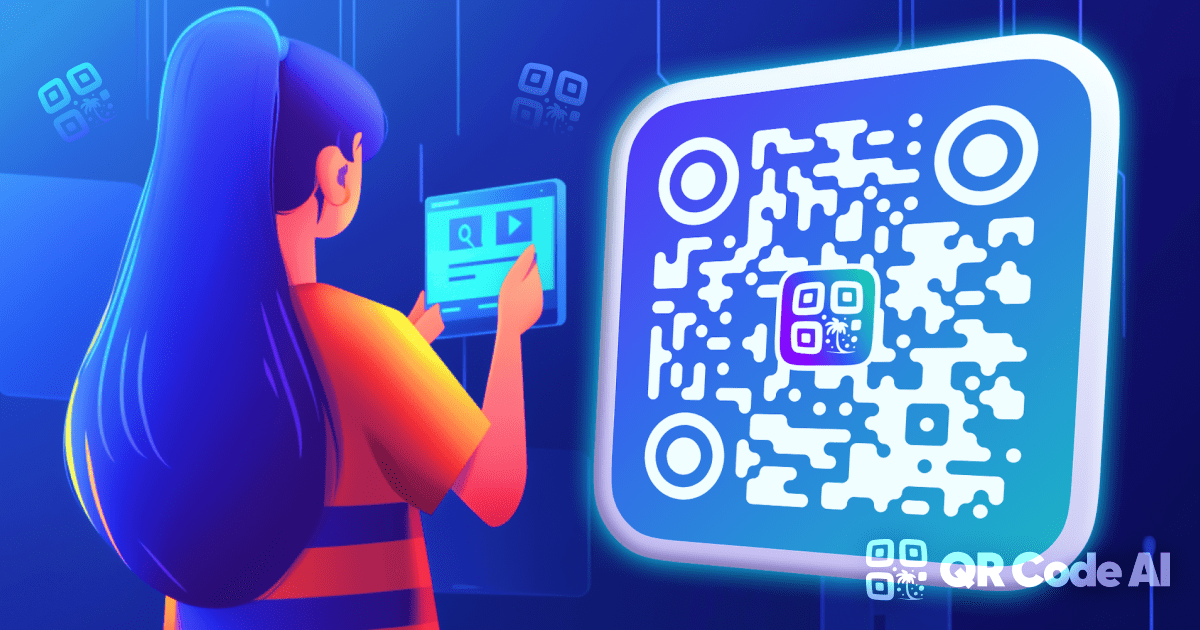
Trình tạo mã QR tùy chỉnh
Thêm logo, hình dạng, màu sắc và khung, sau đó xuất tệp PNG, SVG hoặc PDF.
Trình tạo mã QR tùy chỉnh →Create direct QR codes, preview the exact encoded content and keep an autosaved draft on this device. Nothing in the editor needs an account, payment step or cloud upload.
Inputs and design settings are saved in this browser so a refresh does not lose your work. Use Reset draft whenever you want to remove the local copy. Uploaded logos are used for the current preview and are not persisted in the draft.
Mở trình tạo →
Structured QR forms, live design controls and four real export formats are available before any sign-in.
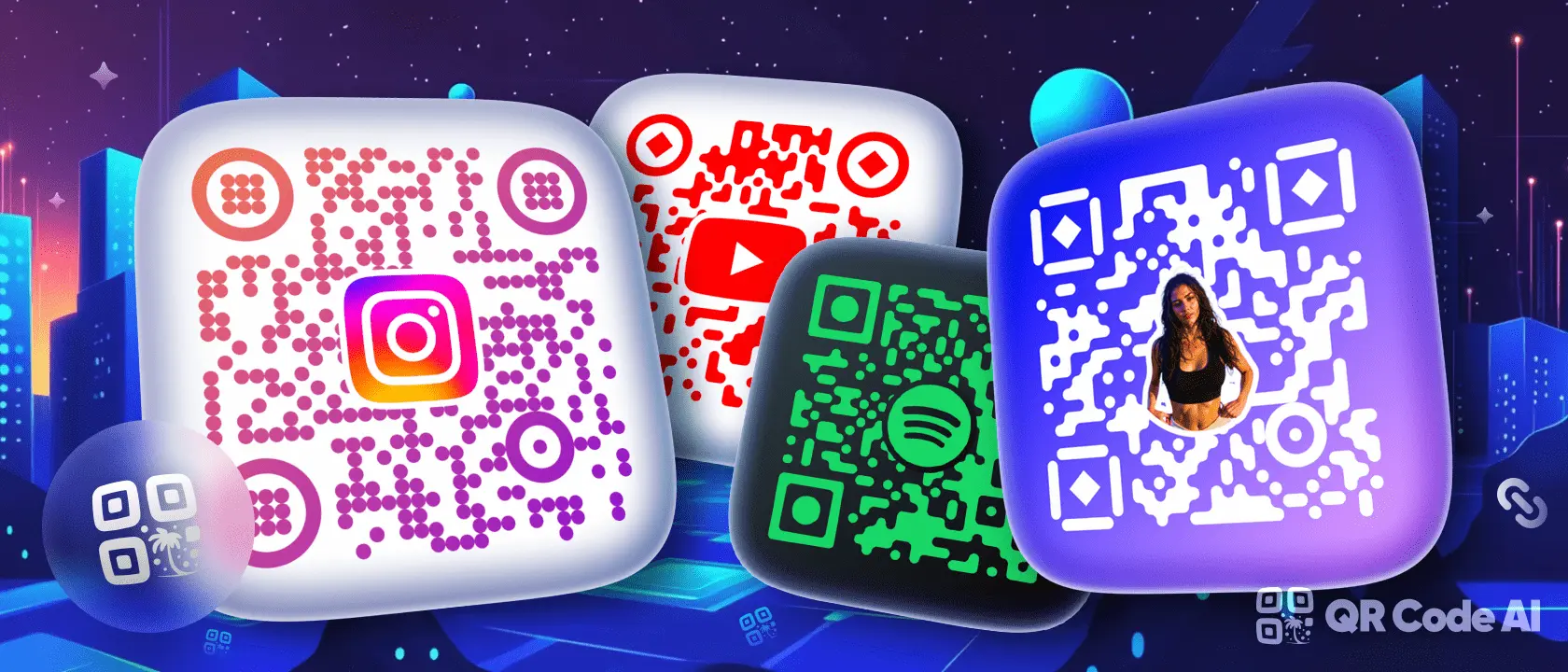
Thêm logo, hình dạng, màu sắc và khung, sau đó xuất tệp PNG, SVG hoặc PDF.
Trình tạo mã QR tùy chỉnh →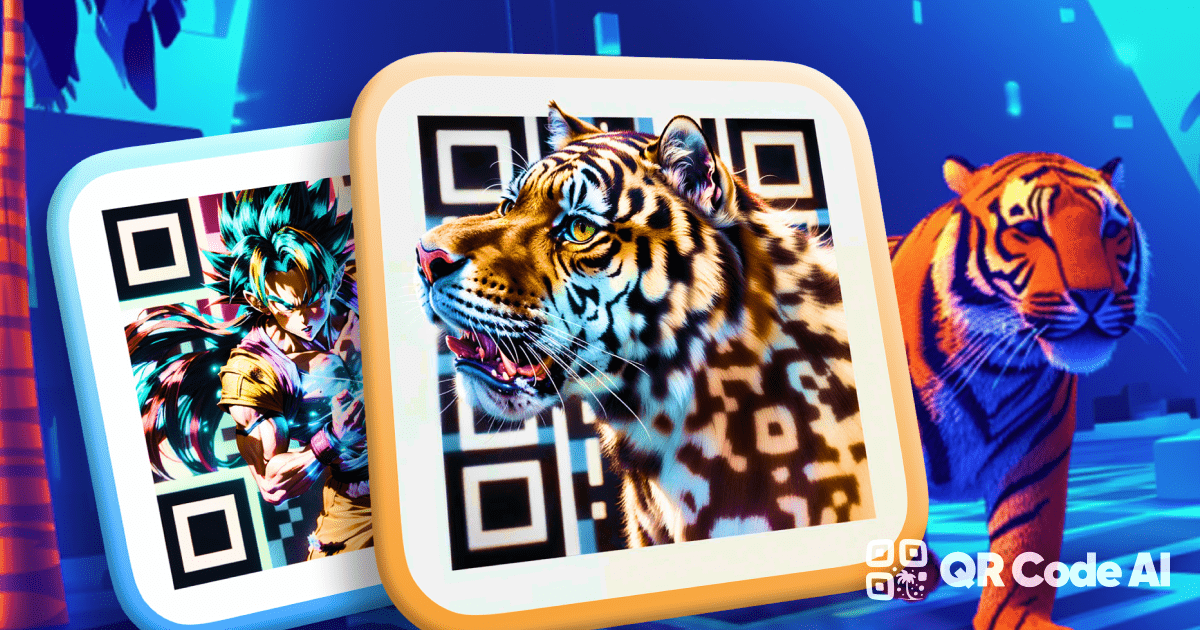
Apply artwork-led backgrounds, then use the scan-readiness estimate and test the final design with a phone.
Curated QR Art Templates →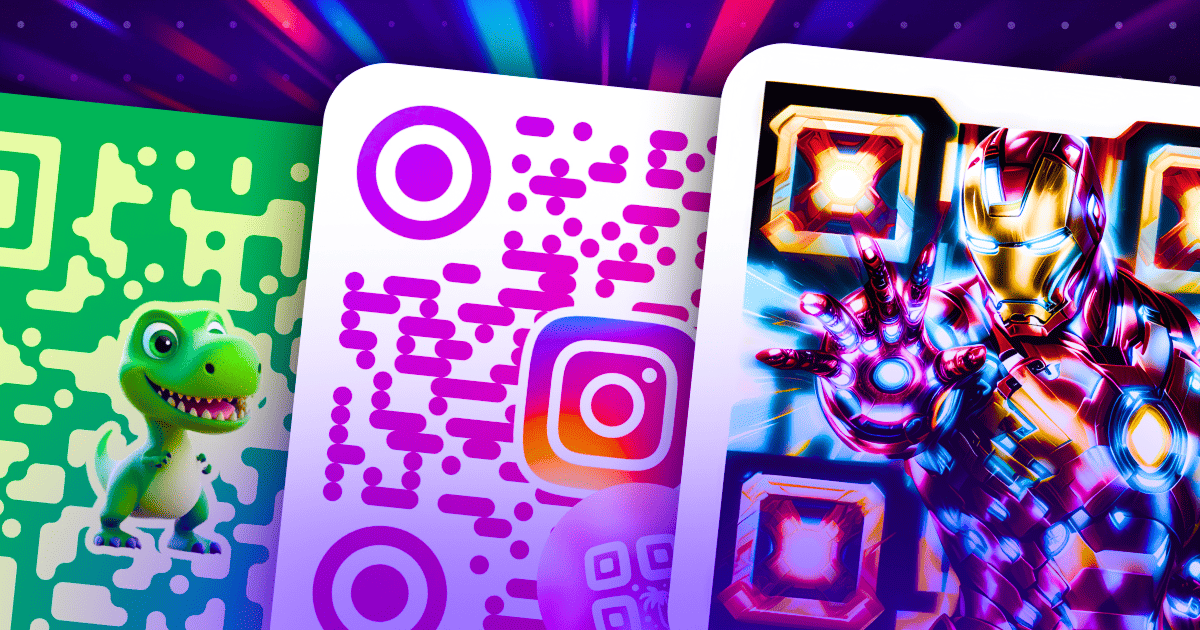
Bắt đầu từ các thiết kế có thể tái sử dụng cho mạng xã hội, bản in, thực đơn, sự kiện và thương hiệu links.
Thư viện mẫu →Yes. The generator opens straight into the QR creation flow with no account or payment screen.
Your current content and design settings are stored in local browser storage for that generator. Logos are not included in the saved draft.
No. These are direct QR codes: the destination is encoded in the image, so QR Code Make does not receive a scan event. Use Reset draft to delete the local editor state.