Paste the final destination
Use the page visitors should reach. The generator accepts a full URL or adds HTTPS when it builds campaign tags.
Add clean UTM source, medium and campaign tags to any destination, preview the exact encoded URL and turn it into a branded QR code. No login, paywall or cloud link is required.
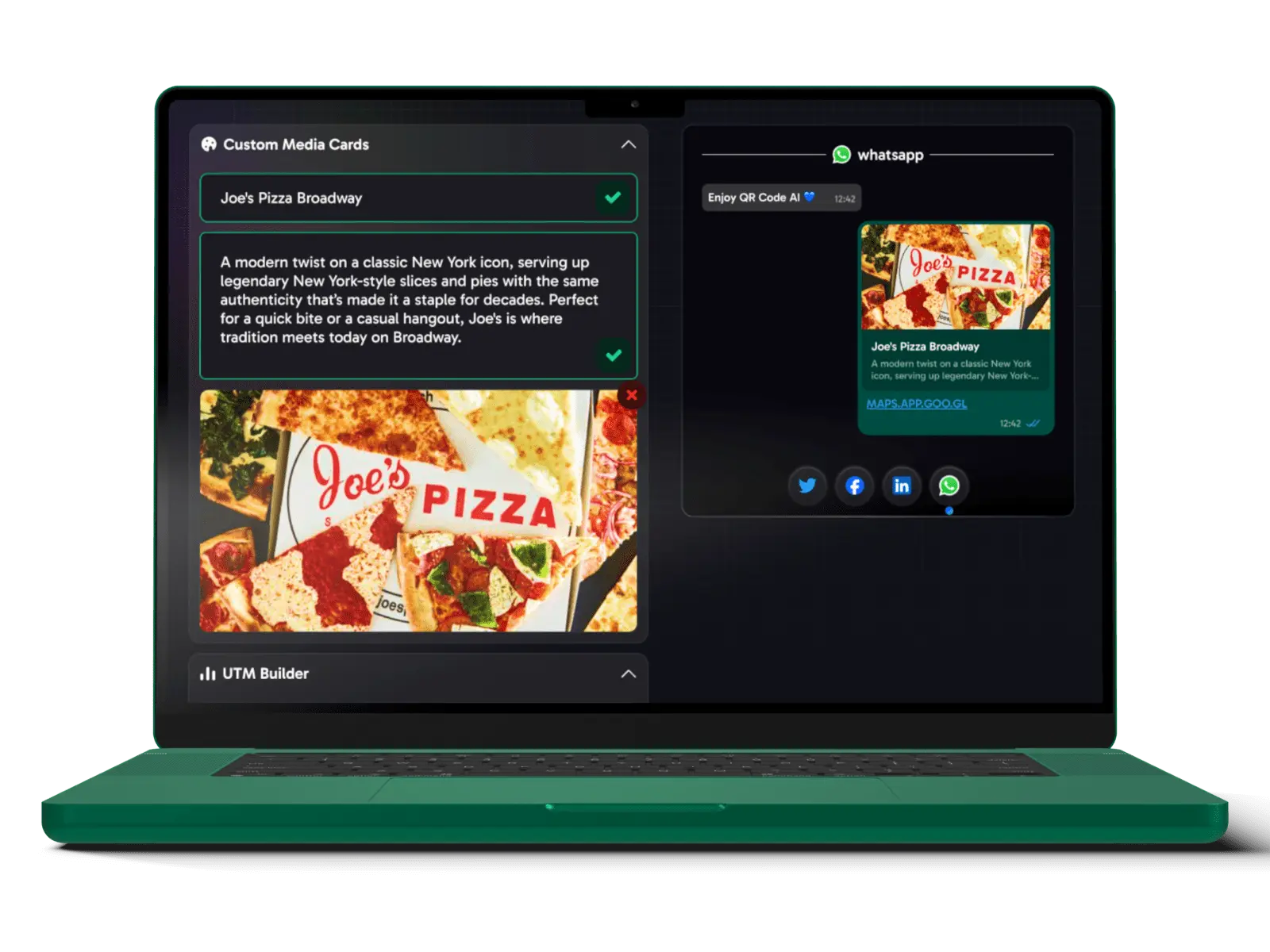
Choose a common type or search the full library.
The QR payload updates instantly and stays on this device.
Choose a design to apply its colors, modules, finder shapes and sticker.
A short link needs a hosted redirect and ongoing service. This tool keeps the destination transparent: it creates the tagged campaign URL locally and encodes that exact URL in the QR image.
Use the page visitors should reach. The generator accepts a full URL or adds HTTPS when it builds campaign tags.
Open “Add campaign tags” and enter source, medium and campaign. The exact output is visible in Advanced settings.
Apply colors, templates or a logo, review the live scan-readiness estimate, then download PNG, WebP, SVG or PDF.
The QR code points directly to the URL shown in the editor. QR Code Make does not own the destination, shorten it, expire it or receive a scan event. Your editable draft stays in this browser until you reset it.
No hidden redirect, expiry or account dependency →
No. A real short URL requires a hosted redirect service. This page creates a transparent campaign URL with optional UTM tags and turns it into a QR code.
If your destination site uses an analytics tool, its campaign reports can read the UTM parameters. QR Code Make itself does not record scans or destination visits.
No. Direct QR codes permanently contain the encoded destination. Verify the Advanced payload and test the final code before printing.
Content and design settings are stored in local browser storage on this device. Use Reset draft to remove them; uploaded logos are not persisted.