Free QR code maker for everyday campaigns
Create branded QR codes in one clean workspace
Build QR codes for links, menus, WiFi, PDFs, social profiles and store pages. Pick a type, style the code, preview it, then download files you can use online or in print.
60+QR code typesNo logincreate and downloadPNG / WebP / SVG / PDFexport formats
1
Make QR code from ANY
Choose a common type or search the full library.
Private by default · no upload
The QR payload updates instantly and stays on this device.
2
Choose Your QR Code Style
3
Design Your QR Code
Templates
Choose a design to apply its colors, modules, finder shapes and sticker.
QR Code Make
Everything starts in the editor
No account wall, no saved scan history, no forced redirect. QR Code Make focuses on fast creation, clear exports and scan-friendly visual choices.
A practical QR workflow from content to download
The page is built around the steps people actually repeat: choose the destination, tune the design, verify readability, and export.

Choose Your QR Code Type from 60 Options
The page is built around the steps people actually repeat: choose the destination, tune the design, verify readability, and export.
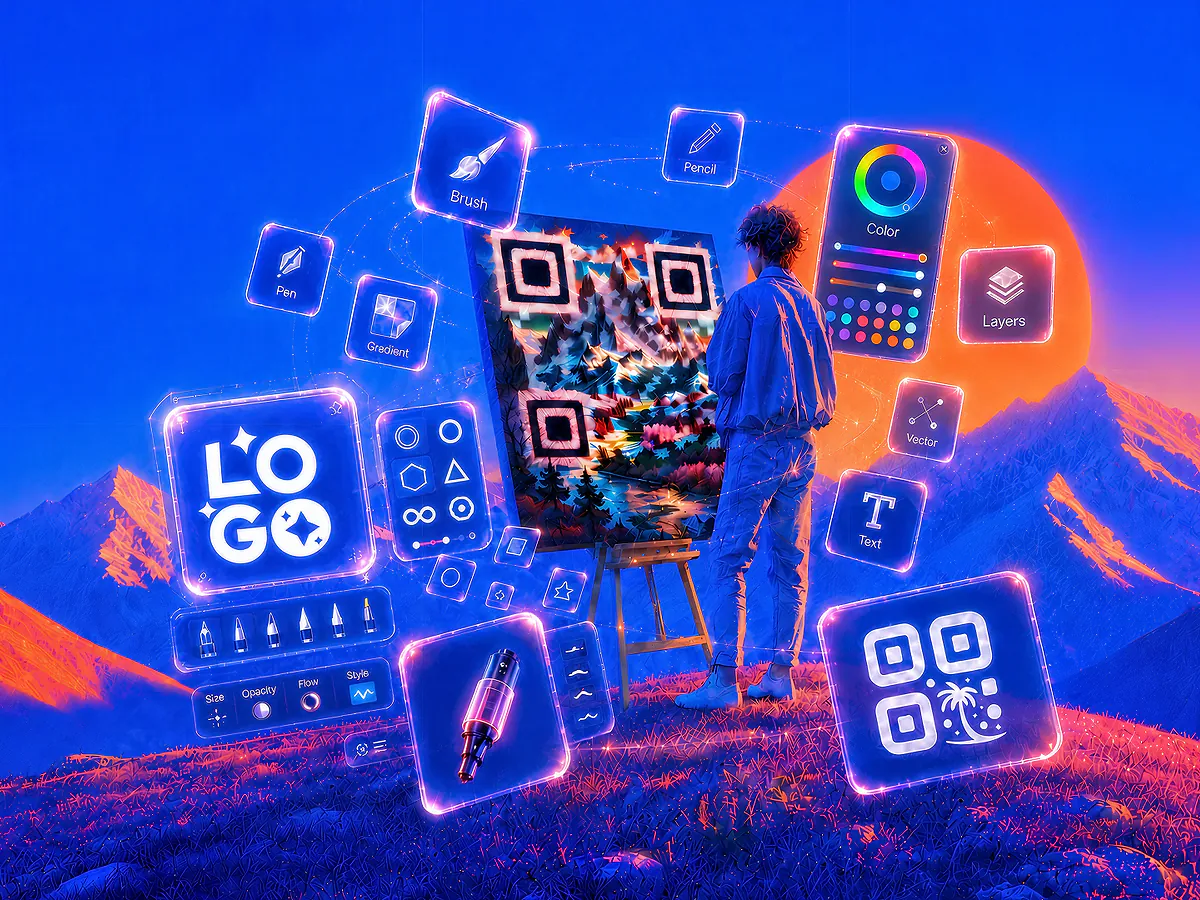
Customize Your QR Code Design
Add a logo, change colors and choose templates without hiding the scannable pattern. Keep the code useful first and branded second.
Download, Print and Share
Open the generator, enter your content and download a QR code that is ready for your next page, print piece or campaign.
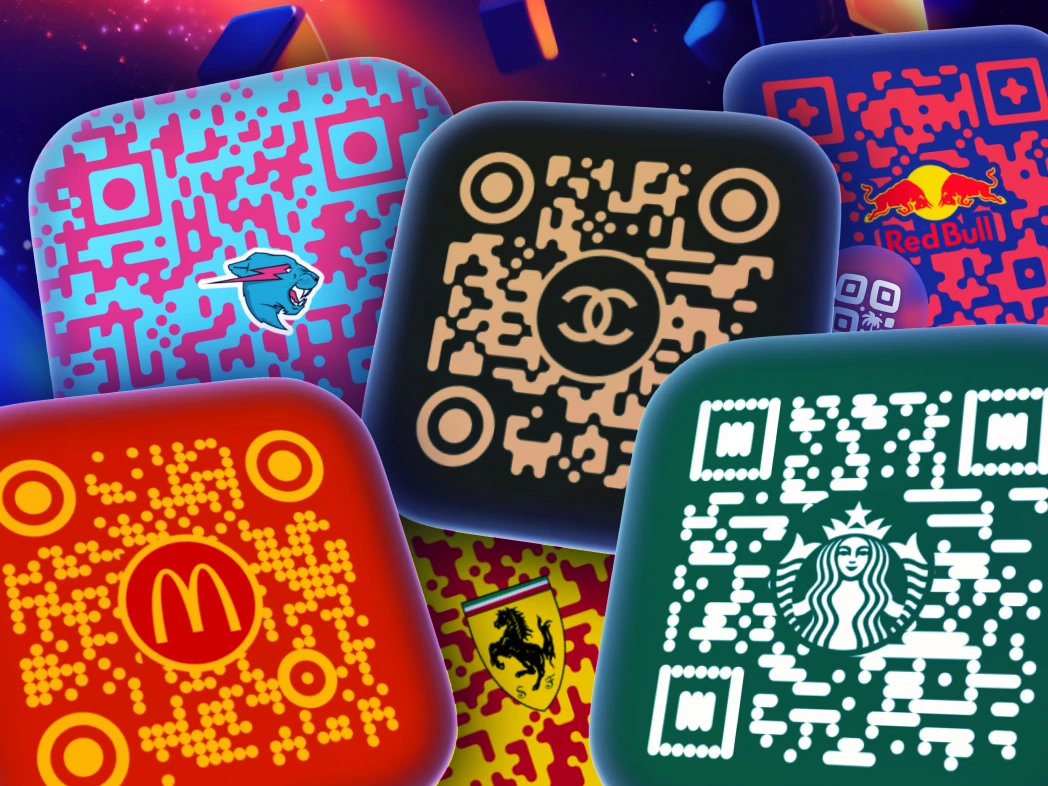
Turn plain black codes into recognizable brand assets
Add a logo, change colors and choose templates without hiding the scannable pattern. Keep the code useful first and branded second.
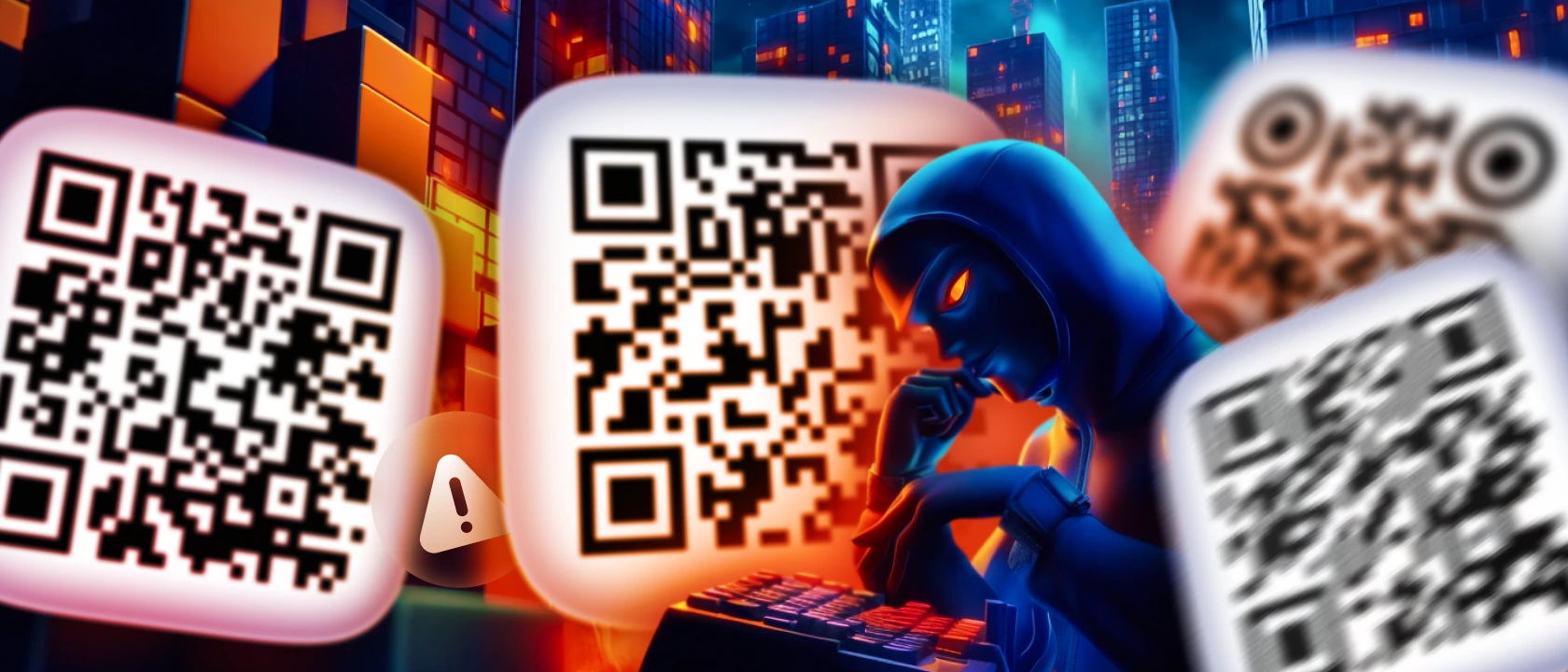
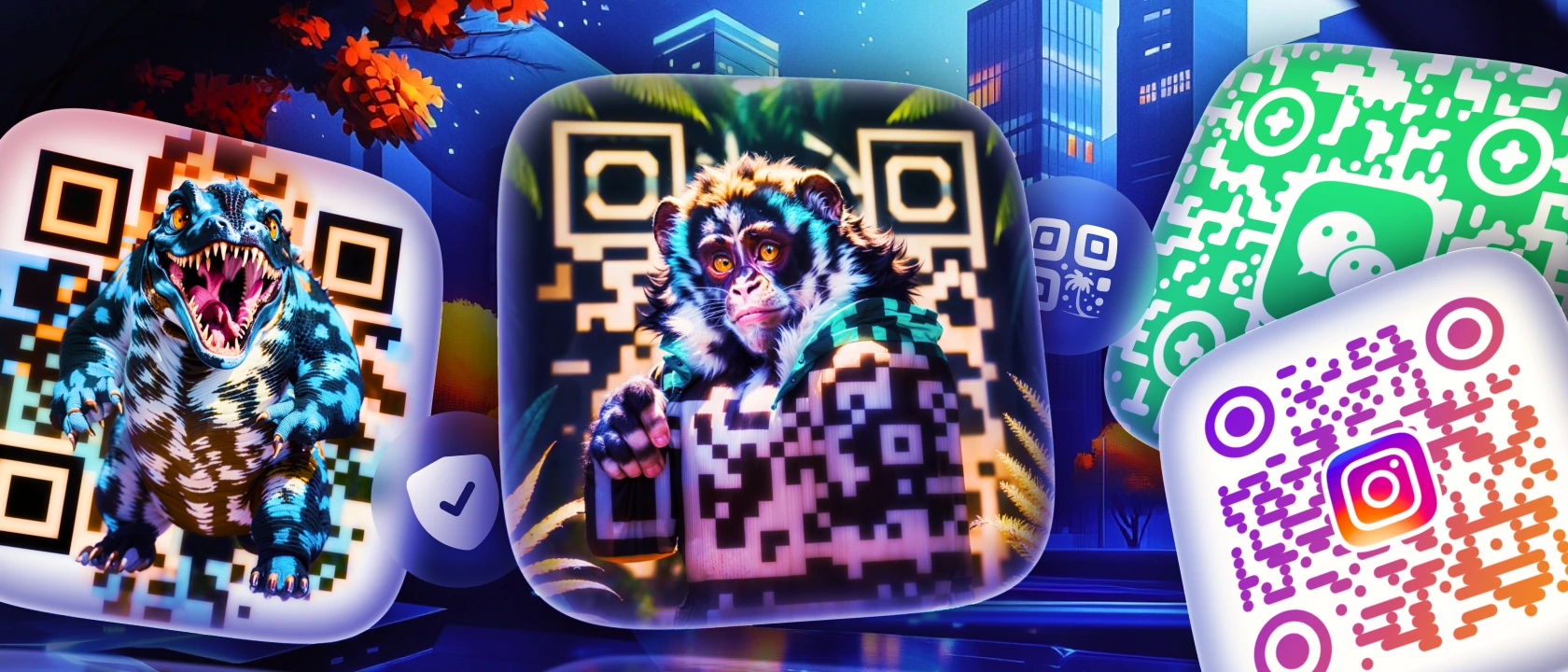 BeforeAfter
Use templates as starting points, not final copies
Browse visual directions, then adjust colors, content and logo so the finished code belongs to your project.
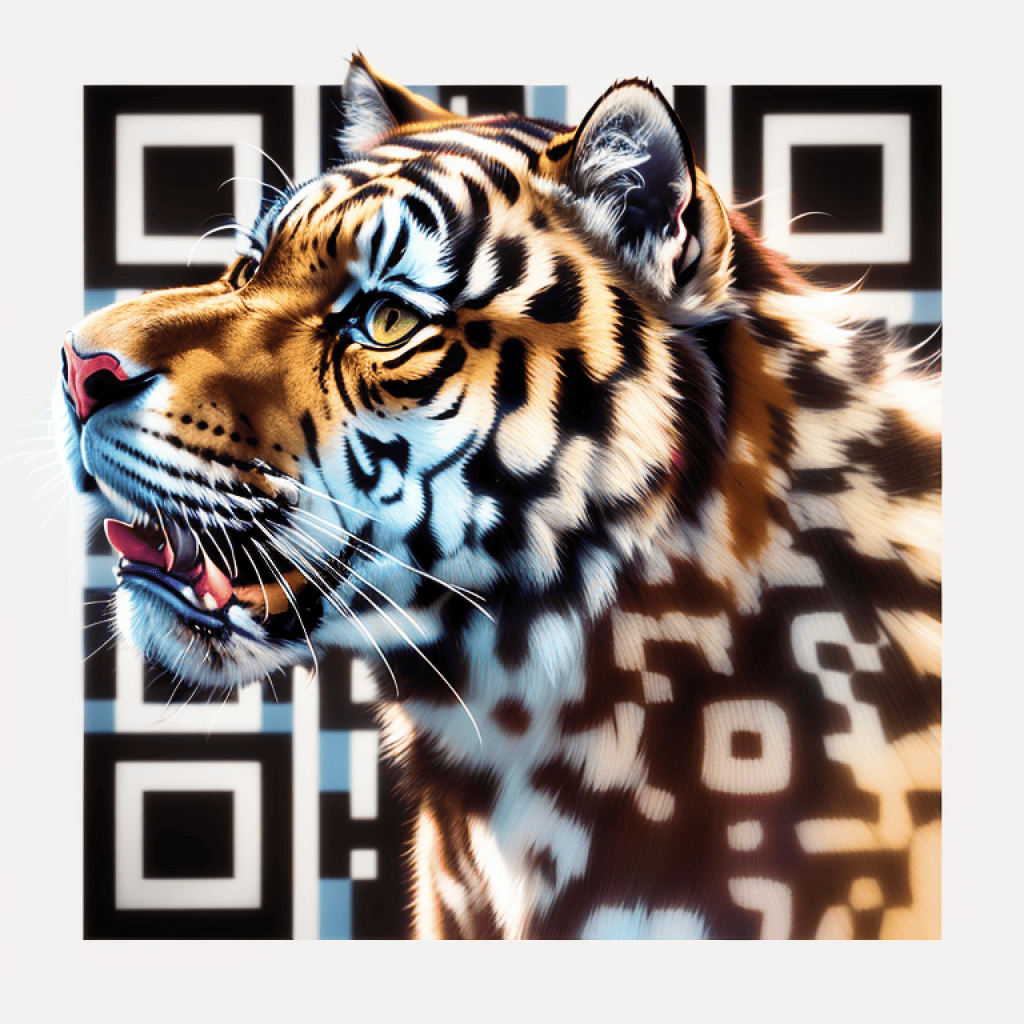
Made for simple public QR code work
Create QR files for signs, packaging, menus, business cards, event pages and social campaigns without setting up an account system.
- 60+
- QR code types
- No login
- create and download
- PNG / WebP / SVG / PDF
- export formats
Useful defaults for teams that print and publish
Every control is tuned for everyday QR code creation: reliable contrast, familiar content types, reusable visual presets and quick exports.
Print-ready contrast
Color and background choices keep the code pattern readable.
Browser-local drafts
Your content and design settings survive a refresh on this device, with a one-click reset.
Editable starting points
Pick a style, then replace colors, logo and content with your own.
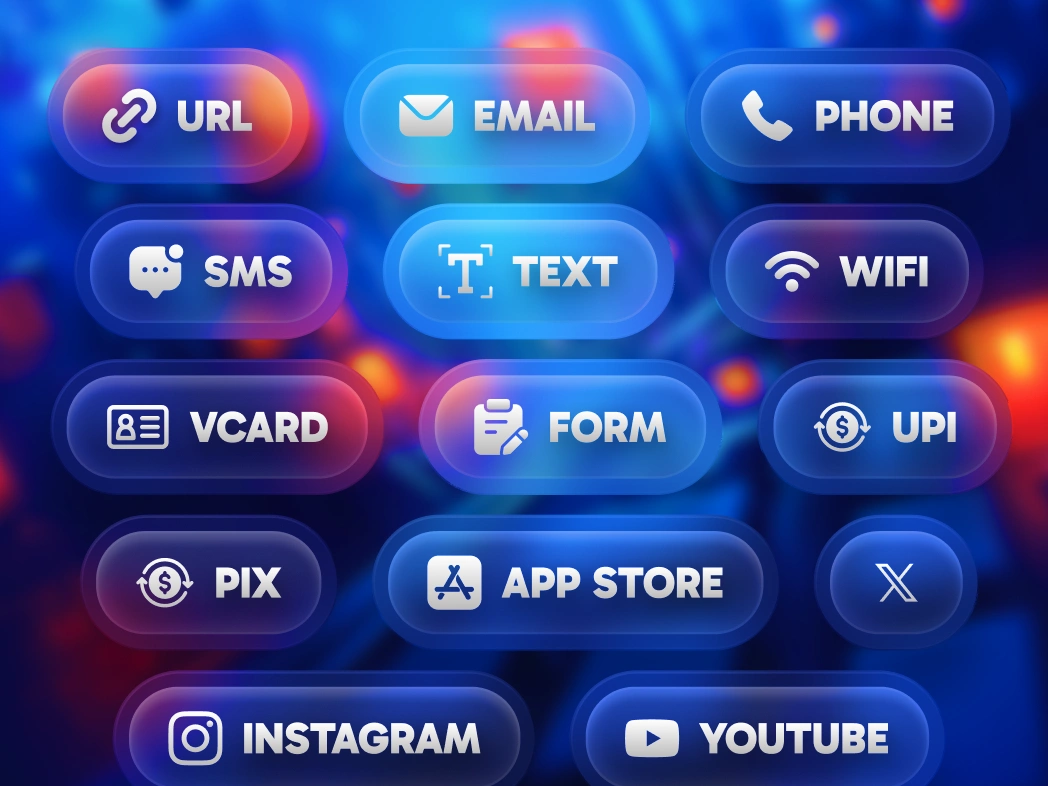
Common destinations covered
Links, WiFi, PDFs, vCards, social profiles and payments have focused forms.
Choose the QR code type that matches the destination
Start with URL, WiFi, vCard, PDF, Instagram, WhatsApp, PayPal, app stores, maps, forms and many more focused generators.
Link to QR Code Generator
Convert any link to QR code: branded URL QR codes with your logo, short links, and live scan design. create a new code for a new destination.
Create QR code
Instagram QR Code Generator
Generate an Instagram QR code to promote your profile, with options for custom images and backgrounds.
Create QR code
Google Review QR Code Generator
Direct users to your Google Reviews page, making it easy to collect valuable reviews and boost credibility.
Create QR code
WiFi QR Code Generator
Generate a QR code for WiFi with transparent options, allowing users to connect effortlessly and securely.
Create QR code
PDF to QR Code Generator
Turn PDF documents into QR codes, perfect for sharing files quickly and reducing paper usage.
Create QR code
TikTok QR Code Generator
Generate a TikTok Shop affiliate QR code, connecting users directly to your shop or unique content.
Create QR code
Facebook QR Code Generator
Create a custom QR code for your Facebook page, perfect for boosting page visits and social engagement.
Create QR code
YouTube QR Code Generator
Create a QR code for YouTube videos or channels to increase views and boost audience engagement.
Create QR code
Text to QR Code Generator
Convert text into a QR code for quick access and easy sharing, making it perfect for displaying info or short messages.
Create QR code
SMS QR Code Generator
Create a quick QR code for SMS messages, allowing users to text you instantly with pre-filled details.
Create QR code
PayPal QR Code Generator
Generate PayPal QR codes for tip jars, charity drives, freelancer invoices or checkout counters.
Create QR code
Email QR Code Generator
Make a QR code for any email address, enabling users to start an email with a simple scan.
Create QR code
Phone Number QR Code Generator
Generate a QR code that links directly to a phone number, making calls just a scan away for instant connections.
Create QR code
WhatsApp QR Code Generator
Easily create a WhatsApp QR code to link to your chat or profile, perfect for personal and business messaging.
Create QR code
Spotify QR Code Generator
Generate Spotify QR codes for tracks, albums, playlists, artists or podcasts. Custom logo, AI-generated designs, scans on every modern camera.
Create QR code
LinkedIn QR Code Generator
Generate LinkedIn QR codes on desktop with your logo, brand colors and live scan design. create a new code for a new destination.
Create QR code
Snapchat QR Code Generator
Generate Snapchat QR codes for profiles, Stories, Lenses, Filters or Spotlight videos. Custom logo, AI-generated designs, scans on every modern camera.
Create QR code
vCard QR Code Generator
Easily share contact info with a QR code Generator for business cards, visiting cards, or vCards, ideal for networking.
Create QR code
QR Code Menu Generator
Generate menu QR codes with your logo, custom specials, and FDA allergen compliance. Update daily by generating a new file, scans on any phone camera.
Create QR code
Twitter / X QR Code Generator
Create a Twitter QR code to promote your profile or specific tweets, ideal for social engagement and quick access.
Create QR code
Google Form QR Code Generator
Generate a QR code for any Google Form to simplify form access and increase survey participation rates.
Create QR codeFrequently Asked Questions About QR Codes
Creating QR codes
Is QR Code Make free to use?
Yes. You can create, customize and download direct QR codes without a login, credit card or watermark.
Which content types have structured forms?
WiFi, email, SMS, WhatsApp, phone, vCard, MeCard, location and campaign URLs build standard payloads from focused fields. Other types accept their destination directly.
Will I lose my work after a refresh?
No. Content and design settings autosave in local browser storage for that generator. Use Reset draft to delete the local copy. Uploaded logos are not persisted.
Design, quality and export
Which download formats are available?
Every preview can be downloaded as PNG, WebP, SVG or PDF. PNG is the primary image export; the other formats preserve the current artwork in a portable file.
What does the scan-readiness score mean?
It is an estimate based on foreground contrast, data length, dot density, transparency, visual style and logo coverage. It is useful guidance, not a guarantee.
How should I test a designed QR code?
Scan the final-size code with at least two phones, from the expected distance and under the lighting where it will be used. Always test the exported file before printing a full run.
Privacy and publishing
Does QR Code Make upload my QR content?
The editor generates the QR image in your browser. Its draft is stored on this device, and no account workspace is required.
Does a direct QR code track scans?
No. The destination is encoded directly in the QR pattern, so QR Code Make does not receive a scan event. UTM tags can be measured by analytics on your own destination site.
Can I change a direct QR code after printing?
No. A direct QR code permanently contains its payload. Confirm the Advanced payload and keep a tested export before publishing or printing.