Paste your link
Paste any URL: https, http, mailto or tel. Our validator catches malformed URLs and missing protocol prefixes. The custom redirect link is permanent once printed, but the destination URL stays reusable in your workspace.




A URL QR code is a QR code (also called a website QR code or link QR code) that opens a website address in the phone browser the moment the camera reads it. URLs follow the RFC 3986 URI specification and the WHATWG URL Standard. QR Code AI encodes any http or https link through a short reusable redirect, so every scan is validated and the destination stays changeable after printing. The same flow handles email and phone links as well as any web URL, across iOS, Android, desktop and modern browsers.
Pick from AI-designed templates, add your logo, or describe the look and let QR Code Art generate designs that scan perfectly. Convert any website address into a scannable code, or shorten a long URL first for cleaner pixel patterns. verify every code before download with real-time design preview: see who scanned, where, on what device. Edit the destination anytime by generating a new file. Download in PNG for the web, SVG for any print resolution, or PDF for layouts: ready for business cards, flyers, restaurant menus, event signage, billboards or packaging.
Paste any web link or short URL, customize the QR with your logo and a matching AI-generated design, then export in PNG, SVG, or PDF: ready for business cards, flyers, billboards, packaging, or digital screens.
Paste any URL: https, http, mailto or tel. Our validator catches malformed URLs and missing protocol prefixes. The custom redirect link is permanent once printed, but the destination URL stays reusable in your workspace.
Pick from 1200+ templates, upload your logo, or describe the look and let QR Code Art generate matching AI-generated designs. Reed-Solomon error correction (ISO/IEC 18004) keeps the code scannable.
Download in PNG, SVG or PDF. Every URL QR is custom by default: each scan logs timestamp and approximate location in your workspace, with the destination URL reusable anytime after printing.
verify every code before download with timestamp and device data, shorten long URLs into reusable custom short links, customize each code with your logo & matching AI-generated designs.

Use clean, readable URLs beside your QR code on flyers, packaging, menus and event material.
Shorten links →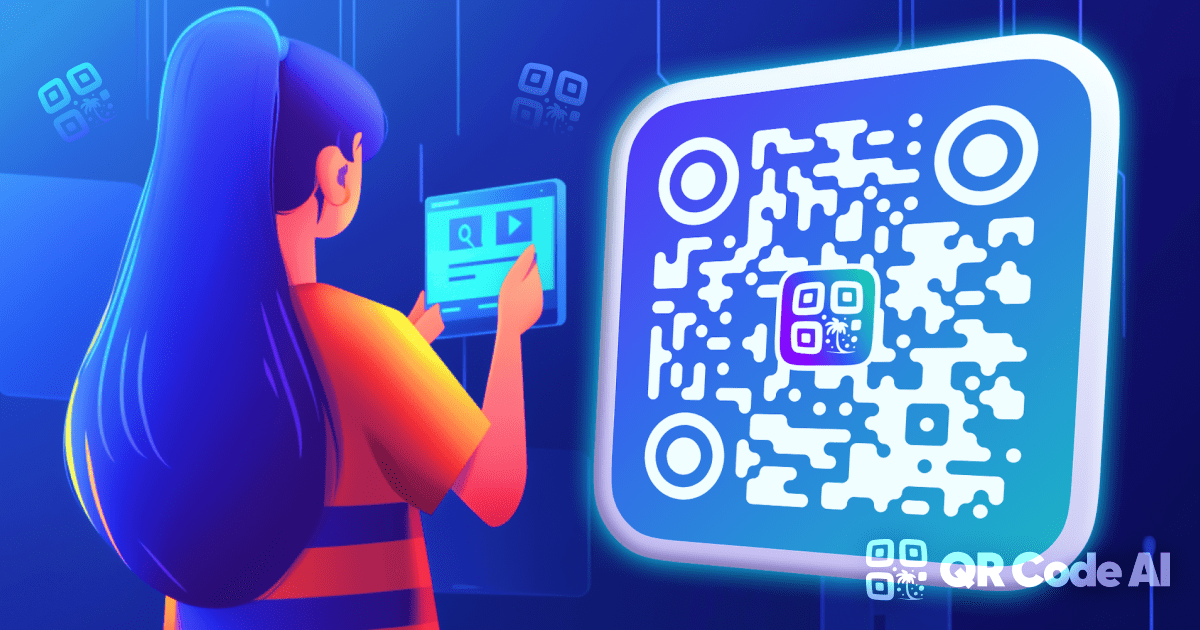
Start from reusable QR templates with brand colors, logo placement and scannable visual styles.
Browse templates →
URL QR routes to any web page; PDF QR opens a hosted document directly. Restaurants use URL for online ordering and PDF for the seasonal menu.
Create QR code
URL routes to any web page; vCard saves the full contact record (name, phone, email, address, website) into the address book in one tap.
Create QR code
URL QR opens a web destination; WiFi QR auto-joins the network without typing the password. The connection step before any web browsing.
Create QR code
URL QR sends one scan to one fixed web destination; Instagram opens a profile, reel, or story directly inside the IG app.
Create QR code
URL QR routes web traffic to a fixed page; WhatsApp QR converts anonymous browsers into named conversations without a contact-saving step.
Create QR code
URL QR sends scanners to one fixed destination; Linktree QR opens a curated bio page with every link stacked: shop, latest video, newsletter, booking.
Create QR codePaste your URL into QR Code AI, pick an AI-designed template, add your logo, then download in PNG, SVG or PDF, typically in under 30 seconds. Long links wrap into short.qrcode-ai.com addresses for cleaner pixel patterns. Every URL QR code is custom by default, so the destination stays reusable from your workspace and every scan is validated.
Yes. Every URL QR generated on QR Code AI is custom by default. The QR encodes a clean short links that routes through your workspace, so you can change the destination URL anytime by generating a new file, essential for billboards, packaging, conference materials and any printed media you cannot reprint cheaply. Static URL QRs (raw destination encoded directly into the pixel pattern) are reserved for offline-only formats like WiFi, vCard, MeCard, Pix or plain text.
The QR pixel pattern follows the ISO 18004 standard and is read by any modern phone camera. A custom URL QR code routes through a clean short links, so you can change the destination anytime in your workspace by generating a new file.
A URL QR points to any web destination (landing page, online order form, booking page) and stays reusable through a short link. A vCard QR saves your full contact card (name, phone, email, address, website) directly to the phone's address book in one tap. Use URL when you need a trackable web link with clear destinations; use vCard when you want recipients to keep your contact details permanently. URL QRs include instant local preview (timestamp, device, approximate location, clear link labeling); vCard QRs are static by design and carry no design preview.